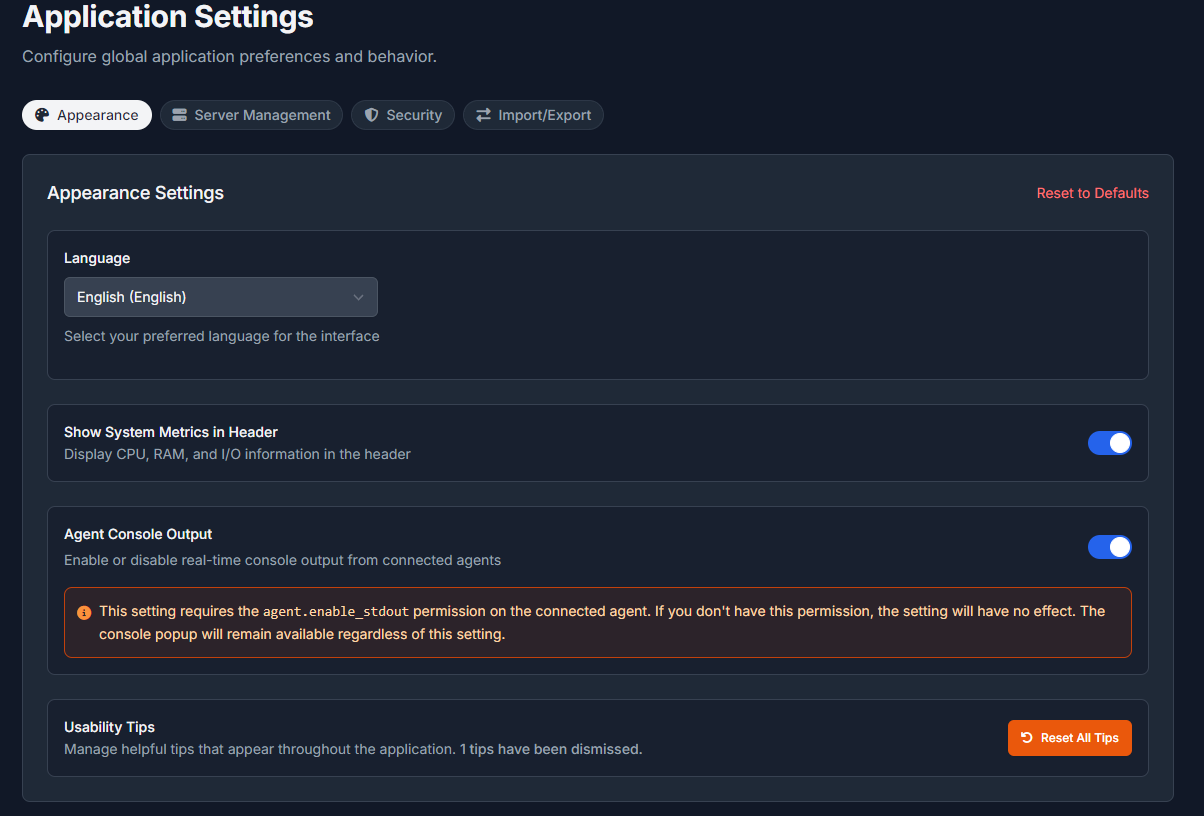
Make sure that the user you are using is either `root` or you have the appropriate permissions `agent.enable_stdout`, otherwise the stdout feed will remain blank.
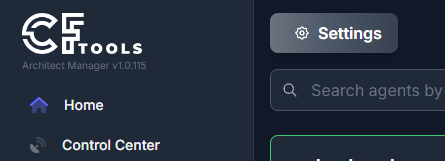
- Navigate to Home
- Open the application settings
3. Enable "Agent Console Output"
Your page will reload and upon connecting to any agent, you will now see a new icon in the lower right corner of the Manager.

Clicking this icon, opens the agent stdout console.

